

A quick cybersecurity audit helps Australian businesses identify security gaps before they lead to phishing, ransomware, data loss or unauthorised access. At alltasksIT, we make cybersecurity awareness practical, accessible and relevant to businesses of all sizes. Queensland-based Service Desk Engineer Daniel Bomm recently delivered Lunch & Learn presentations on the Gold Coast and in Brisbane, sharing practical ways to identify and reduce common cyber risks.
A quick cybersecurity audit should examine five areas: tested backups, email security, identity protection and multi-factor authentication, patching and updates, and access based on least privilege. Together, these checks help Australian businesses identify common weaknesses and reduce their exposure to phishing, ransomware, data loss and unauthorised access.
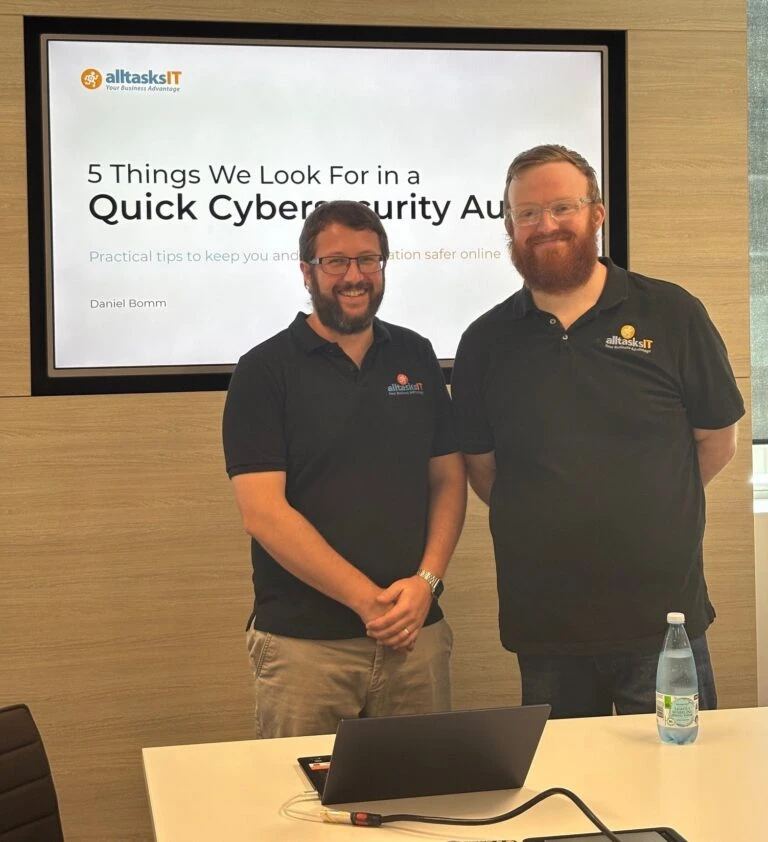
Rather than overwhelming attendees with technical jargon, Daniel focused on a simple but powerful topic:
Daniel focused on five practical cybersecurity checks that business owners and managers can use to identify common security gaps without needing technical expertise.
Daniel highlighted the 3-2-1 backup rule:
Daniel also emphasised a point many businesses overlook: a backup that has never been tested cannot be relied on during a cyber incident. Regular backup restore testing confirms that critical business data is recoverable and that the disaster recovery process works before the organisation faces data loss, ransomware or system failure.
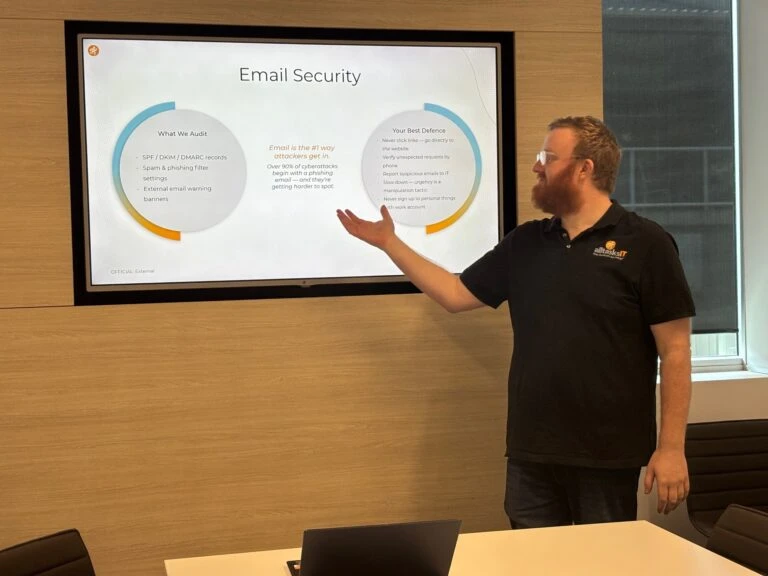
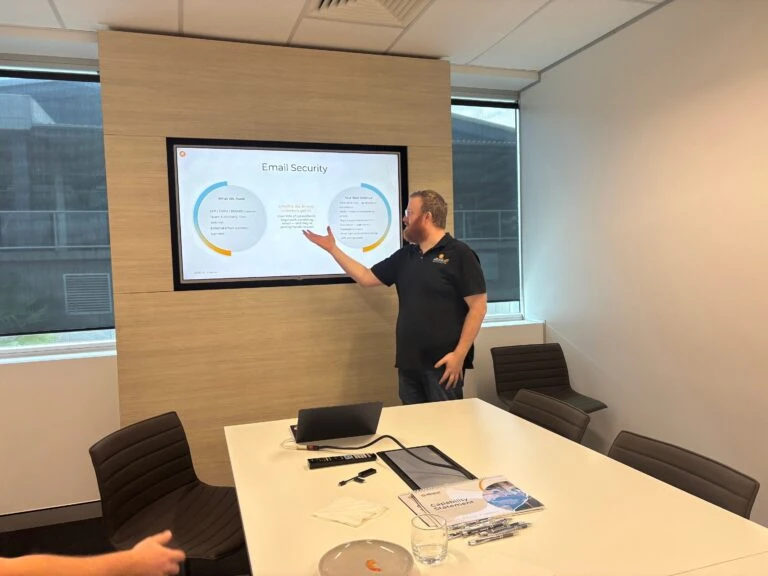
Phishing emails remain one of the most common cyberattack methods used against Australian businesses. Cybercriminals use urgency, impersonation and social engineering to trick employees into clicking malicious links, disclosing credentials or approving fraudulent requests.
Practical advice included:
Daniel also demonstrated common phishing warning signs and explained how SPF, DKIM and DMARC help organisations verify legitimate email senders and reduce the risk of email spoofing.
Daniel explained that long, unique passphrases are generally easier to remember and harder to guess than short passwords. He also reinforced the importance of multi-factor authentication, or MFA, across email, cloud platforms, remote access solutions and administrative accounts because it adds another verification step if a password is compromised.
Attendees learned that keeping operating systems, applications, firmware and drivers up to date closes known security vulnerabilities and remains one of the most effective ways to prevent cyber incidents. The key message was simple: repeatedly postponing security updates leaves avoidable weaknesses exposed.
Daniel highlighted the risks associated with:
Implementing role-based permissions and conducting regular access audits were presented as practical steps every organisation can take.
Use these five questions as a quick cybersecurity self-assessment: Can we restore our critical data from a tested backup? Is MFA enabled on all important accounts? Are security patches and software updates applied promptly? Can our employees identify suspicious email requests? Do current and former users have only the access they need? Any uncertain answer is a useful starting point for a more detailed cybersecurity review.
Cybersecurity checklist for Australian businesses: test backups and recovery procedures, strengthen email security, enable MFA, apply security patches promptly, and regularly review user access permissions.
The sessions were not just about cybersecurity. They also demonstrated our commitment to education and community engagement at alltasksIT.
We also acknowledged Daniel’s initiative in stepping beyond his usual responsibilities to represent alltasksIT before a business audience.
CFO/Partner
Vicki has been with alltasksIT for over 21 years and manages financial matters through: