How Copilot Helped Me Simplify Multi-State Payroll Tax Reporting with MYOB and Excel
Victoria Hawkes
Chief Financial Officer
Every month, I calculate payroll tax across three Australian states. We use MYOB for payroll processing, but the standard reports don’t quite provide the breakdown I need for payroll tax lodgements.
As a result, I would export a payroll report to Excel and spend time manually separating employees and payroll figures by state before I could start the lodgement process.
To streamline this task, I started working with Microsoft Copilot in Excel.
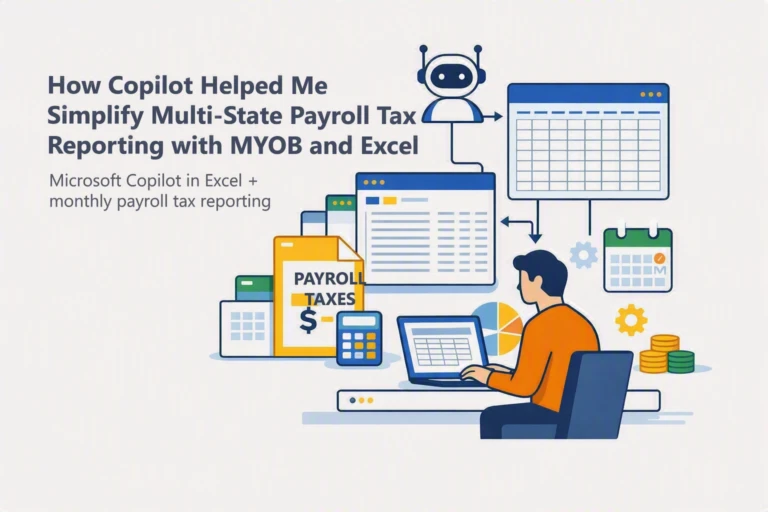
Using the exported MYOB report, I developed a set of prompts that help Copilot organise and analyse the data in the format I need. It can separate payroll information by state, create summaries, and prepare the figures required for reporting.
The biggest benefit is not only the time saved, but also the consistent, repeatable monthly process. Instead of completing the same spreadsheet tasks manually, I can reuse the same instructions to produce reliable results each time.
How Microsoft Copilot Helped Streamline Monthly Payroll Tax Reporting
My payroll tax workflow is now much simpler:
1. Export the payroll report from MYOB
2. Open the report in Excel
3. Apply my established Copilot prompts.
4. Review the state-based summaries
5. Complete payroll tax lodgements
This experience has shown me that some of the most valuable uses of AI aren’t necessarily the most complex. By improving a routine compliance task, Copilot has helped reduce administration, improve consistency, and free up time for higher-value work.
For businesses managing payroll across multiple states, Copilot in Excel can be a powerful way to turn a repetitive monthly process into a streamlined and repeatable workflow.
Frequently Asked Questions
Can Copilot lodge payroll tax for me?
No. Copilot helps prepare and organise the figures, but I still review the results and complete each state lodgement through the relevant revenue office portal.
Do I need advanced Excel skills to use this workflow?
No. A clear exported payroll report and well-tested prompts are the main requirements. Basic Excel knowledge is helpful for checking the summaries and identifying anything that needs attention.
How do I make sure the figures are accurate?
I reconcile Copilot’s state-based summaries to the original MYOB report, check employee work locations and taxable components, and investigate any differences before lodging.
Can I reuse the same prompts each month?
Yes. That is one of the biggest benefits. I reuse a consistent set of prompts, then adjust them if the MYOB report layout, employee locations or state reporting requirements change.
Is payroll information safe to use with Copilot?
Payroll data is sensitive, so I use an organisation-approved Microsoft 365 environment and follow our privacy, access and data-handling policies. Businesses should confirm their own security and compliance settings before using employee information with AI tools.
Looking for practical ways to use AI in your business?
Complete the form and one of our Microsoft 365 specialists will contact you to discuss your current reporting processes and identify opportunities where Microsoft Copilot can help your team work smarter and more efficiently.
Author
Victoria Hawkes
CFO/Partner
Vicki has been with alltasksIT for over 21 years and manages financial matters through:
Establishing, monitoring, and enforcing internal policies and procedures
Developing business standards and financial processes
Developing budgets, tracking expenses and analysing data
Performance management including coaching and counselling employees; planning; monitoring; and appraising job results.