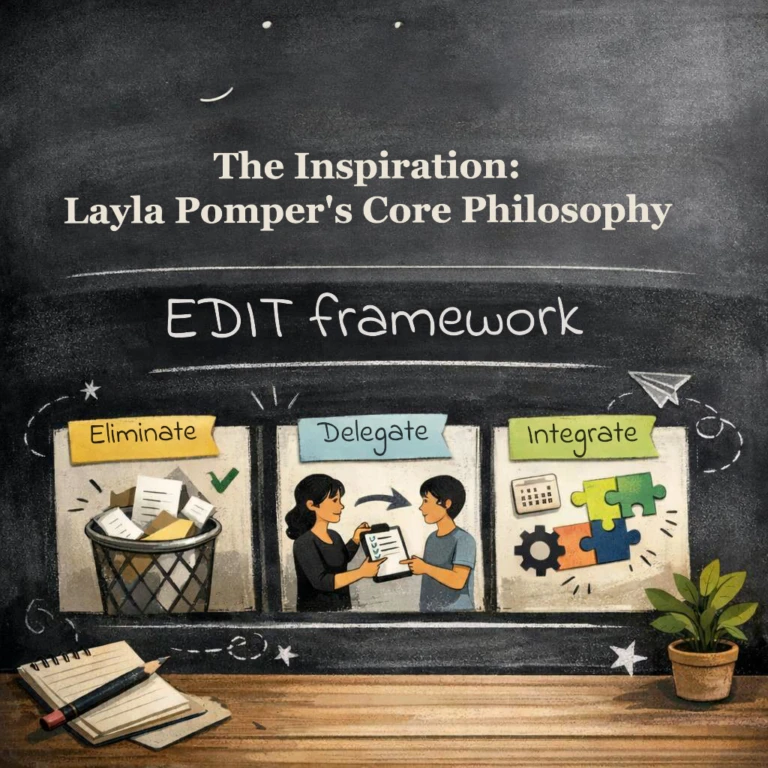
Transitioning a business from founder-dependent chaos to a scalable, process-driven machine is the “holy grail” of entrepreneurship. Inspired by the work of Layla Pomper, founder of Process Driven, this guide explores how to build these systems using the Microsoft 365 tools you already use every day.
At alltasksIT, we have taken these industry-best practices and integrated them into a “continuous improvement engine” that ensures our business runs smoothly, with or without direct leadership intervention.
Execution First:
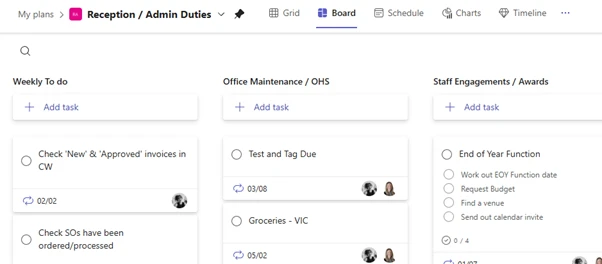
Creating a clear “go-to” area for all tasks where every to-do has one person, one deadline, and one clear outcome.
Rapid Documentation:
Systemising any part of your business in 35 minutes or less by focusing on the “start, stop, and steps” rather than fancy diagrams.
Avoiding the “Loom Trap”:
While video is easy to record, it is hard to update. Written, editable checklists are the key to long-term scalability.

PS. We didn’t process map every single procedure. (just the more complicated ones)
PS. We also used Scribe to record some processes – We found that quite a time saver.
At alltasksIT, we didn’t just read the theory; we built a rigorous internal process to ensure our operations are fully compliant with the Entrepreneurial Operating System (EOS) framework.
Here is our 7-step implementation workflow:
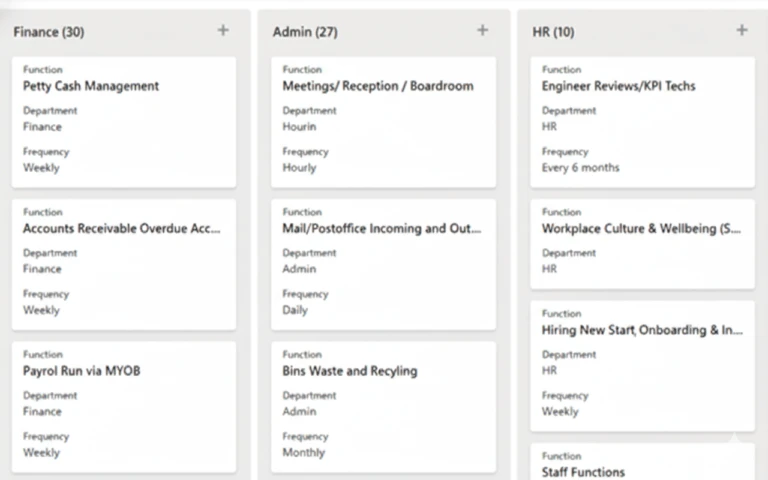
Every task performed across all departments is listed in a central SharePoint list.
Each task is assigned to a specific role based on our Accountability Chart.
Living procedures are stored in Loop (or Confluence) and linked directly to the SharePoint task list.
Staff members verify their responsibilities to ensure the “What” in the list matches the reality of their daily work.
For every task, we paste the procedure link, set the frequency (daily, weekly, monthly), and note who assists
Leaders validate that documentation is complete and that ownership aligns with the overall business strategy.
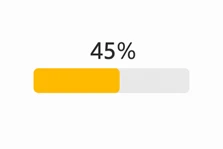
Leadership performs a final compliance check to verify that 100% of tasks have working, linked procedures and that all staff have confirmed their roles.
Systemisation is not a one-time project; it is a cycle. To stay on track, we follow a strict review schedule:
Weekly EOS level 10 Executive Meeting:
Review Process Completion Score.
Quarterly:
We confirm all procedures remain accurate and that no “process drift” has occurred.
Annually:
We perform a department-wide review of all functions to see what can be automated or eliminated.
Role Changes:
Documentation is updated immediately whenever a role or responsibility shifts.
By the end of this journey, you will have a complete list of every business function, a responsible owner for every task, and a live, linked procedure for every role.
By treating systemization as a “continuous improvement engine,” you can finally build a business that runs—and grows—without you. As Layla would say, “Enjoy the Process!”
If you’d like to learn more about the Entrepreneurial Operating System (EOS) framework or discover how it can improve your organisation, we’re here to help.
Simply complete the form on the right, and one of our team members will get back to you promptly.
Chief Executive Officer (CEO)
Founder and Principal of alltasksIT with 30+ years IT experience, John has a broad and varied experience across cloud computing strategies.
John has been successfully realising IT and networking solutions for small to medium businesses for over 25 years.